

Connect social accounts
Link a brand's social profiles so posts can publish or schedule directly.
Connect a brand's social accounts so approved social posts publish on schedule without copying and pasting.
Supported platforms: LinkedIn, Facebook, Instagram, X (Twitter), TikTok, YouTube, Threads, Pinterest, Bluesky and Google Business.
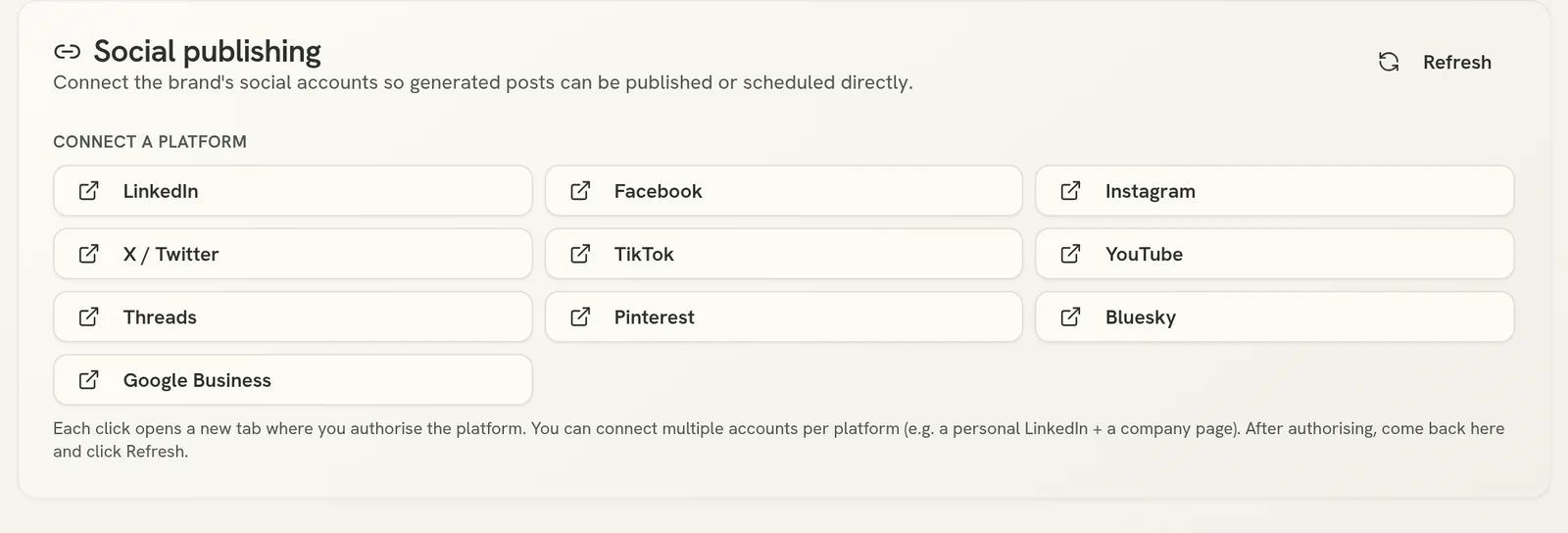
Connect a platform
Click the platform's button. A new tab opens where you sign in to that platform and authorise the connection.
Refresh
Come back to Verbolica and click Refresh. The account appears in the list.
You can connect more than one account per platform, for example a personal LinkedIn profile and a company page. Click the platform's button again to add another.
If a connection stops working
Platforms sometimes expire connections, for example after a password change. If posts stop publishing, open the Social publishing card, click Refresh, and reconnect any account that shows a problem.
Post links
After a post publishes, Verbolica shows a link to the live post so you can check it and share it with your client.