

Finding your way around
What each section of the sidebar is for.
Everything in Verbolica belongs to a brand. Switch brands from the top of the sidebar. The sidebar is grouped into sections:
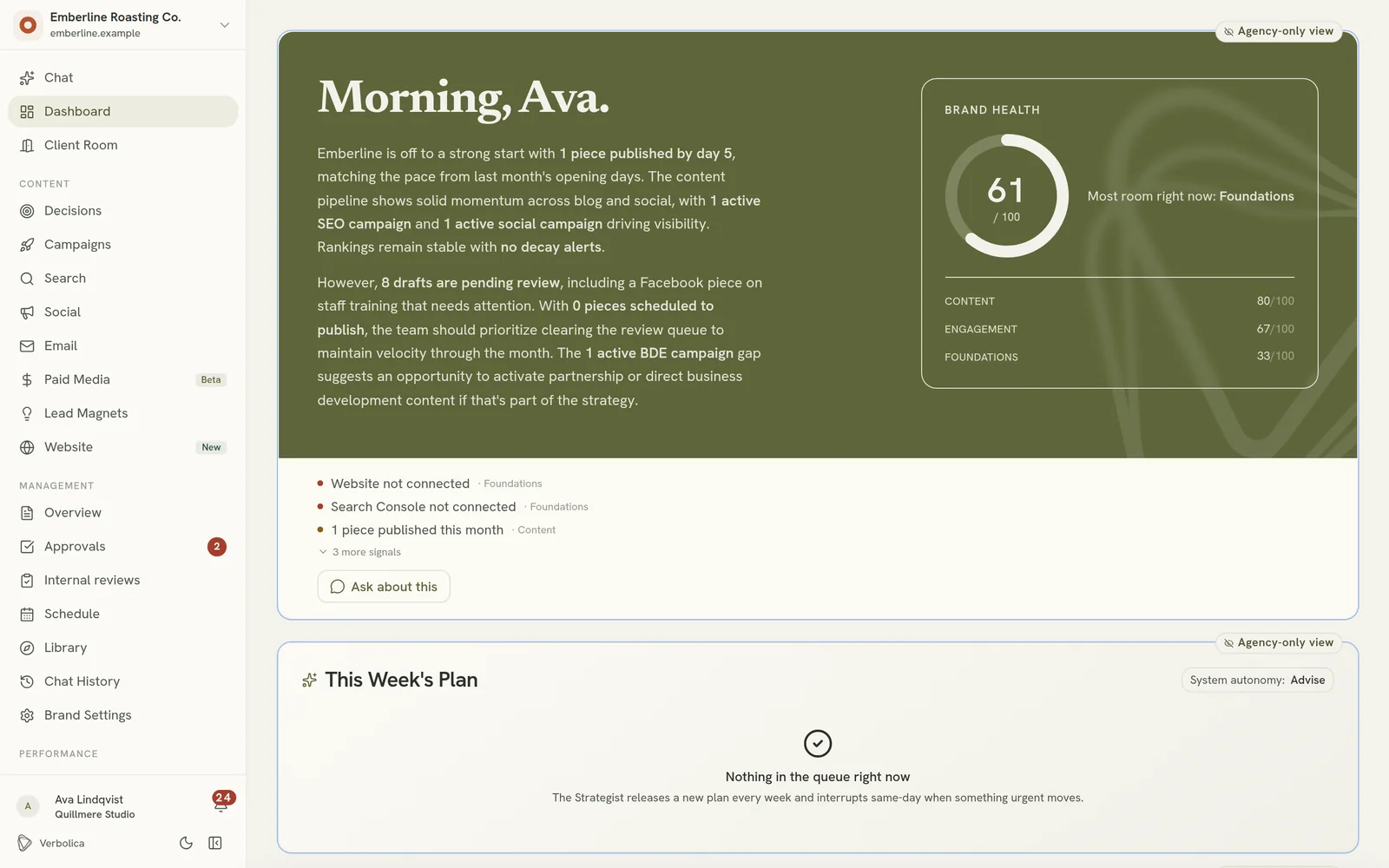
Top
- Chat: talk to the Strategist. This is where you land when you log in.
- Dashboard: the brand at a glance: health score, this week's plan, credits and progress.
- Client Room: the client's welcome pack and onboarding checklist. See Client Room.
Content
| Item | What it's for |
|---|---|
| Decisions | Content that helps buyers make a decision: a hub page with supporting pages that answer pricing, comparison and objection questions. See Decisions campaigns. |
| Campaigns | Campaigns that combine several channels. |
| Search | SEO content plans, organised by month and topic. |
| Social | Social media campaigns and templates. See Social campaigns. |
| Email campaigns and the email builder. | |
| Paid Media | Google Ads and Meta Ads performance and recommendations (beta). See Paid media. |
| Lead Magnets | Designed downloadable guides, checklists and scorecards. See Lead magnets. |
| Website | Designed website pages, built for WordPress and Elementor. See Website builder. |
Management
| Item | What it's for |
|---|---|
| Overview | Every draft across every channel, in one list. |
| Approvals | Requests sent for a decision, and their status. |
| Schedule | A calendar of what will publish and when. Drag to reschedule. |
| Library | Everything published, including content imported from the website. |
| Chat History | Past conversations with the Strategist. |
| Brand Settings | The brand's details, connections, and more settings such as Automation and brand knowledge. |
Performance
| Item | What it's for |
|---|---|
| Reports | Monthly client reports. |
| Insights | What content performs, and where pieces compete with each other. |
| Rankings | Keyword positions over time. |
| AI Visibility | Whether ChatGPT, Gemini and Perplexity mention the brand. |
| Market Gaps | Topics competitors cover that the brand doesn't. |
| Strategy Plan | The brand's quarterly strategy. See Strategy Plan. |
| Activity | A timeline of everything that happened on the brand. |
Clients see a smaller set of these. See Roles and permissions.
Light or dark
Switch between light and dark themes from the profile menu.